To get pace alerts that work with simple settings for even splits, focus on customizing your pace zones based on your current performance or goal times. Set alerts to notify you when you’re within or outside your target zone, helping you stay consistent effortlessly. Use clear, easy-to-adjust thresholds for each phase of your run. Continuing will reveal effective strategies to optimize your pace alerts and keep your splits perfectly even every time.
Key Takeaways
- Set clear, specific pace zones based on recent performance or race goals for accurate alerts.
- Use your device’s app or settings to enable pace alerts and customize notification thresholds.
- Choose simple, consistent pace targets for even splits to help maintain steady effort throughout your run.
- Test and adjust pace zones periodically to ensure alerts match your current fitness level and training needs.
- Focus on real-time feedback to make immediate effort adjustments and keep splits even during your workout.
Have you ever wondered how to stay on track with your running goals or improve your pacing during a workout? If so, pace alerts can be a game-changer. These alerts help you maintain consistent splits, guaranteeing you hit your targets every time. To make the most of them, understanding how interval training and pace zones work together is vital. Interval training, which alternates between high and low-intensity efforts, relies heavily on accurate pacing. By setting your pace zones—specific ranges that define your easy, moderate, and hard efforts—you can tailor your workout to maximize efficiency and progression.
Pace alerts and zones keep your running on track and optimize interval training efforts.
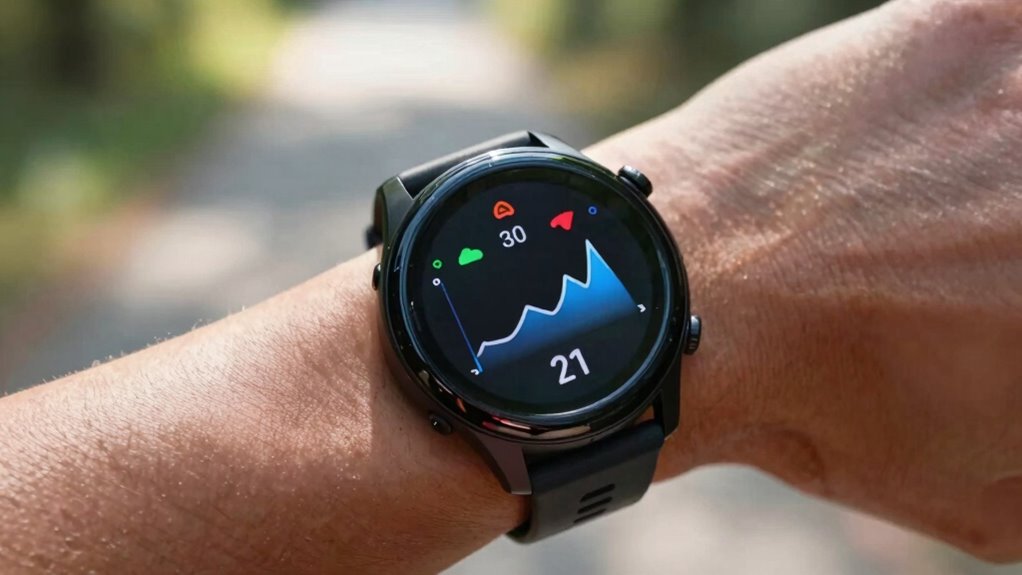
When you set up pace alerts, you essentially program your device to notify you when you’re within or outside your designated pace zones. This immediate feedback keeps you honest during your run, preventing you from drifting too fast or too slow. For example, during interval training, you might aim for a high-intensity pace during the work segments and a recovery pace during the rest. Pace alerts make sure you’re hitting those targets precisely. If you’re falling behind or pushing too hard, the alert prompts you to adjust without having to constantly check your watch or app.
The key to effective pace alerts is customizing your pace zones based on your current fitness level and running goals. Many devices allow you to set these zones according to your recent performances or target race pace. Once established, the alerts become a dependable guide, keeping you in the ideal effort range. This not only improves your training consistency but also helps prevent overexertion and injury. As you get more familiar with your zones, you’ll learn to interpret the alerts instinctively, knowing when to push and when to hold back.
Using pace alerts during interval training creates a structured workout that promotes progress without guesswork. For instance, if your goal is to complete a series of 400-meter repeats at a specific pace, the alert can notify you instantly if you’re ahead or behind. Over time, these real-time signals help develop a more intuitive sense of pacing, boosting your confidence and performance. Furthermore, sticking to your pace zones ensures you’re training at the right intensity, which is essential for improving speed and endurance. Knowing your zones can help you optimize your training and avoid common pitfalls.
Frequently Asked Questions
Can Pace Alerts Be Customized for Different Race Distances?
Yes, you can customize pace alerts for different race distances. Most devices offer customization options, allowing you to set specific pace targets for each race type. You can also choose alert sound choices that best motivate you or suit your preferences. This way, you stay on track effortlessly, whether you’re running a 5K or a marathon, and receive timely alerts tailored to each race’s demands.
Do Pace Alerts Work With All Running Watch Brands?
Most running watches support pace alerts, but watch compatibility varies. You’ll want to check if your device allows alert customization, which is essential for tailoring pace notifications to your race goals. Many popular brands like Garmin, Fitbit, and Suunto offer customizable pace alerts, ensuring you stay on track. However, some models may have limited options, so review your watch’s features to confirm it meets your needs for effective alert customization.
How Accurate Are Pace Alerts During Uneven Terrain Runs?
During uneven terrain runs, pace alerts can be less accurate because terrain variability affects your speed, making it harder for your watch to keep precise track. You might notice some delays or false alerts, especially on trails or hilly routes. To improve alert accuracy, make sure your watch’s GPS is well-calibrated, and consider using features like terrain mapping or advanced sensors. This helps maintain more consistent pace alerts despite challenging terrain.
Can I Set Multiple Pace Alerts Simultaneously?
Yes, you can set multiple pace alerts at once, and it’s like having a personal coach guiding you through interval training. Just access your device’s settings, select your pace zones, and set alerts for each zone. This helps you stay in the right pace range during uneven terrain runs, ensuring even splits. Make sure your device supports multiple alerts simultaneously—most modern models do, making your workout more effective and less guesswork.
Do Pace Alerts Drain My Device’s Battery Quickly?
Pace alerts don’t drain your device’s battery quickly if you customize alerts wisely. They use minimal battery consumption because they activate only when you approach your target pace, not continuously. By adjusting alert frequency and types, you can preserve battery life while staying on track. Keep in mind that frequent or multiple alerts may slightly increase battery use, but overall, pace alerts are energy-efficient and won’t markedly impact your device’s longevity.
Conclusion
By setting up your pace alerts with these simple tips, you stay on track and reach your running goals more consistently. Did you know that runners who use pace alerts are 30% more likely to hit their target times? It’s a small change that makes a big difference. So, start customizing your alerts today and enjoy smoother, more confident runs. Your perfect pace is just a few settings away—set them now and see the results!