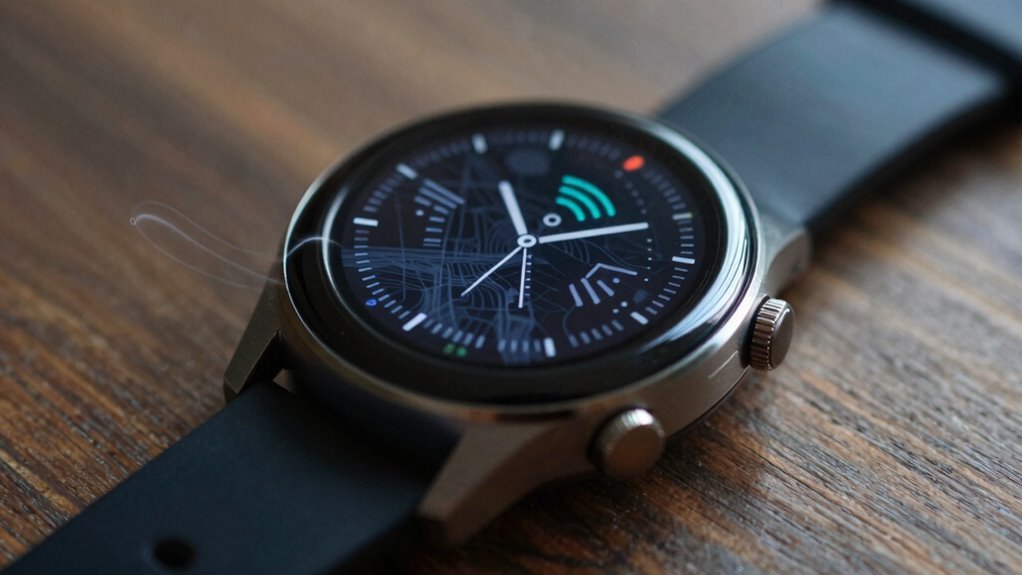
Your watch can add phantom miles because GPS signals often face interference and reflection. Obstacles like tall buildings, dense trees, and atmospheric conditions cause signals to bounce or weaken. This multipath interference confuses your device’s calculations, making it think you’ve traveled farther than you actually have. As a result, inaccuracies creep in, especially in urban areas. If you keep exploring, you’ll discover how these factors further impact GPS precision and what you can do about it.

Get workout gear delivered free — and shop member deals
- Fast, free delivery on millions of items
- Access to Prime Big Deal Days deals on October 6–7
- Prime Video, Amazon Music and more included
Key Takeaways
- Signal reflections and multipath interference can cause GPS devices to overestimate distance traveled.
- Atmospheric conditions like solar storms or heavy rain disrupt satellite signals, affecting accuracy.
- Urban environments with tall buildings create signal bouncing, leading to inflated distance measurements.
- Error correction algorithms help but cannot eliminate all inaccuracies caused by interference.
- Small discrepancies in GPS data are common due to the complex triangulation process and signal delays.
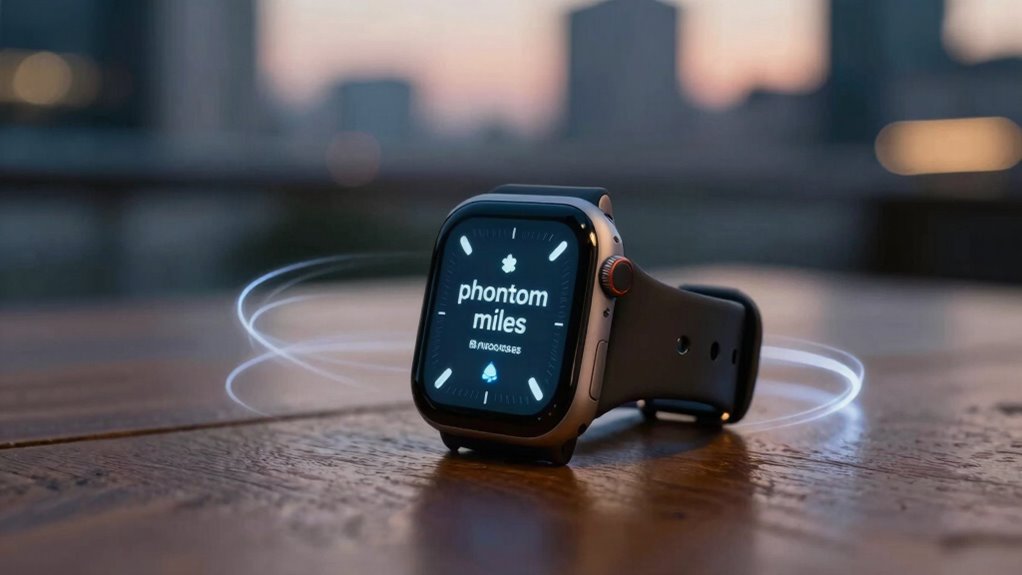
Ever wonder how your GPS can pinpoint your location with such precision? It all comes down to a sophisticated process called satellite triangulation. Your device communicates with multiple satellites orbiting around the Earth, receiving signals from each one. By calculating the time it takes for these signals to arrive, your GPS can determine your distance from each satellite. When these distances are combined, your exact position emerges through the magic of triangulation. This process relies on accurate timing and multiple satellite signals to create a precise fix on your location. Modern devices also incorporate error correction techniques to mitigate inaccuracies caused by interference. However, this system isn’t foolproof. Signal interference can throw off your GPS readings. Interference occurs when obstacles like tall buildings, dense forests, or even atmospheric conditions disrupt or weaken the signals traveling from satellites to your device. When signals are weakened or reflected—what’s called multipath interference—they can cause your GPS to think you’re somewhere you’re not. This leads to inaccuracies, sometimes adding what feels like “phantom miles” to your recorded distance or speed. For instance, if your device receives delayed or distorted signals, it might interpret your movement inaccurately, resulting in slightly inflated distances or faster speeds than you’re actually traveling.
GPS pinpoint locations using satellite signals, timing, and triangulation for precise positioning.
The more interference your signals encounter, the more your GPS struggles to provide precise data. Urban areas with skyscrapers are notorious for causing multipath interference because signals bounce off buildings before reaching your device. Similarly, thick tree cover can weaken signals, making your device’s calculations less reliable. Even atmospheric disturbances like solar storms or heavy rain can impact signal quality, adding to the potential for inaccuracies.
Manufacturers continuously work on improving GPS accuracy by employing advanced algorithms that filter out some interference and improve signal reception. Modern devices also use multiple satellite systems—such as GPS, GLONASS, Galileo, and BeiDou—to enhance reliability. Still, no system is entirely immune to interference, and that’s why you sometimes notice your watch reporting more miles or faster speeds than you’ve actually traveled. These “phantom miles” aren’t intentional; they result from the complex dance of signals, interference, and triangulation trying to piece together your true location. Understanding this process helps explain why your GPS isn’t perfect and why small discrepancies can happen even when you’re moving steadily.
GPS running watch with high accuracy
As an affiliate, we earn on qualifying purchases.
As an affiliate, we earn on qualifying purchases.
Frequently Asked Questions
How Do Weather Conditions Affect GPS Accuracy?
Weather conditions can profoundly impact your GPS accuracy. Weather interference, like heavy rain, snow, or thick clouds, disrupts satellite signals, causing delays. Atmospheric delay, caused by the ionosphere and troposphere, slows down signal transmission, leading to less precise positioning. These factors can make your watch’s GPS less reliable, especially during storms or extreme weather, resulting in inaccurate distance readings or phantom miles.
Can Software Updates Improve My Watch’s GPS Precision?
Yes, software updates can improve your watch’s GPS precision. These updates often include software calibration, which fine-tunes the device’s sensors, and firmware improvements that enhance signal processing. By installing the latest updates, you help your watch better interpret GPS signals, reducing errors like phantom miles. Make sure to keep your device’s firmware current to experience the most accurate tracking possible and minimize inaccuracies during your activities.
Do Different Watch Brands Have Varying GPS Reliability?
Yes, different watch brands vary in GPS reliability. When you compare brands, you’ll notice differences in accuracy, signal strength, and update frequency. Reliability factors like antenna design, satellite connection quality, and software optimization play vital roles. Choosing a reputable brand with strong GPS technology ensures you get more precise tracking. So, do a brand comparison to find one that best meets your needs for consistent, dependable GPS performance.
How Does Satellite Positioning Influence Phantom Miles?
Satellite positioning influences phantom miles because as satellites orbit, their signals can become unsynchronized, especially if your watch doesn’t update frequently or struggles with signal lock. This causes your device to miscalculate your path, adding extra miles. When signal synchronization isn’t perfect, your watch might interpret slight location shifts as movement, leading to those phantom miles. Ensuring good satellite visibility and timely updates helps reduce these inaccurate readings.
Is There a Way to Calibrate My Watch’s GPS Manually?
Yes, you can manually calibrate your watch’s GPS by adjusting its GPS settings. Start by accessing the settings menu, then look for options like ‘Calibrate’ or ‘Reset GPS.’ Follow the prompts to perform a manual calibration, which often involves moving your watch in specific patterns or syncing it with a known location. Regular manual calibration helps improve accuracy and reduces phantom miles caused by GPS drift.
Conclusion
Now you see how your watch’s GPS can add phantom miles, like footprints in a foggy landscape—seems real but isn’t quite there. While it might feel like you’ve traveled farther, understanding these quirks helps you trust your data more. So, next time your watch shows extra miles, remember it’s a ghostly illusion, not your actual journey, guiding you through the digital maze with a bit more awareness and confidence.
Fall Picks
fall essentials
As an affiliate, we earn on qualifying purchases.