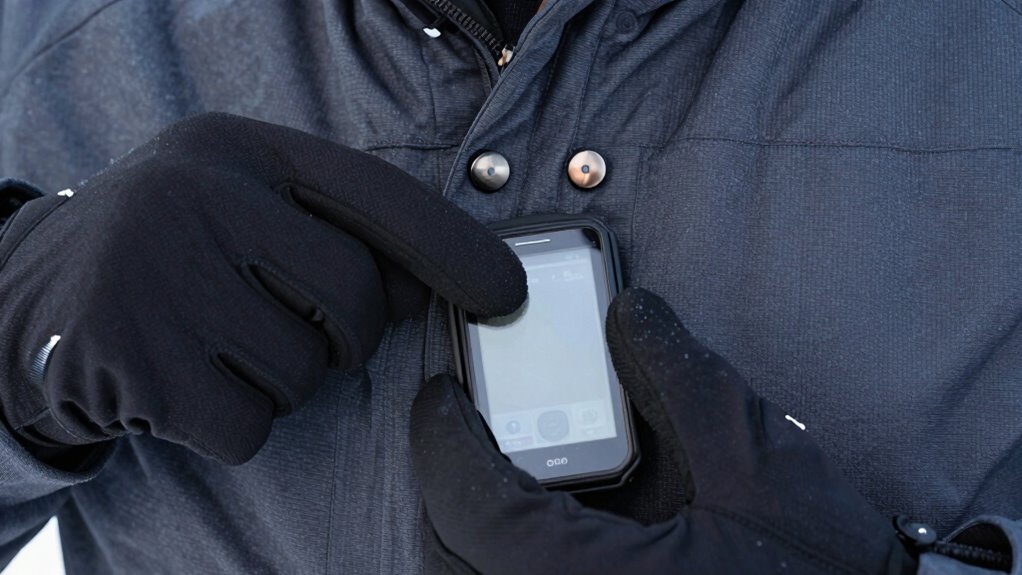
As a winter runner, you’ll find buttons much more practical than touchscreens because they allow you to control your music without removing gloves or risking cold exposure. Buttons offer tactile feedback, making it easier to find the right control and stay focused on your footing. Touchscreens can freeze or become unresponsive in snow and frost, creating safety concerns. Want to discover how to choose the best option for your runs? Keep exploring to find out more.
Key Takeaways
- Physical buttons allow easy music control without removing gloves or disrupting stride in cold weather.
- Buttons provide reliable tactile feedback, reducing the risk of accidental presses during winter activities.
- Touchscreens often require glove removal or special gloves, increasing cold exposure and decreasing convenience.
- Cold temperatures can cause touchscreen devices to freeze or become unresponsive, impairing control.
- For safety and focus, physical buttons help winter runners stay attentive without distractions from device handling.
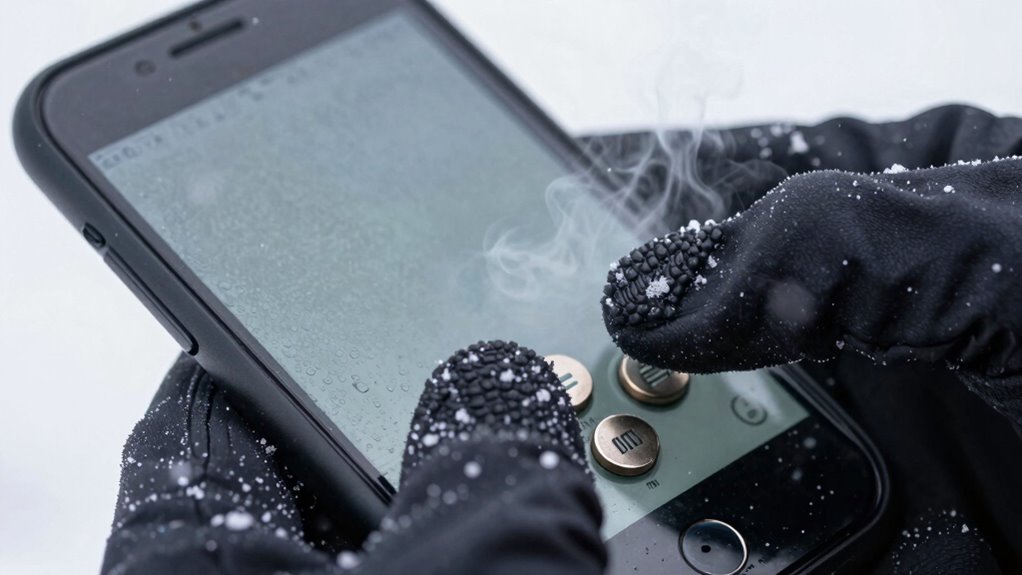
In today’s world of technology, choosing between buttons and touchscreens often depends on your needs and preferences. For winter runners, this decision isn’t just about aesthetics or convenience—it’s about safety, practicality, and staying connected despite cold, often snowy conditions. When it comes to music controls, buttons have a clear advantage. They allow you to adjust your playlist or pause your music without breaking your stride or exposing your fingers to the cold. With tactile feedback, buttons enable you to change volume, skip tracks, or answer calls without needing to look at your device. This is especially helpful when you’re bundled up in thick gloves, which can make touchscreen operation frustrating or impossible. Many running watches and headphones with physical buttons are designed with glove compatibility in mind, ensuring you can control your music seamlessly no matter how chilly it gets outside. Additionally, reliance on modern technology can sometimes lead to disruptions if the device malfunctions or the screen freezes in cold weather, further emphasizing the practicality of physical buttons.
Touchscreens, on the other hand, offer a sleek, modern interface that many prefer for their intuitive design. However, in winter, their usability can be compromised if you’re wearing gloves, unless those gloves are specially designed for touchscreen compatibility. Even then, the responsiveness might not be as reliable as buttons, especially in snow or heavy frost. You might find yourself repeatedly tapping or adjusting your gloves to get the screen to register your touch, which can interrupt your run or distract you from your surroundings. For winter runners, this can turn into a safety concern, as you need to stay focused on footing and environment rather than fighting with your gear.
Beyond music controls, glove compatibility plays a *vital* role in your overall experience. If you’re running outdoors in cold weather, you want gear that works effortlessly without extra fuss. Physical buttons are often larger and easier to press with gloves on, reducing the risk of accidental presses or frustration. Touchscreens may require you to remove your gloves or use special conductive gloves, which might not always be practical or warm enough. This inconvenience can lead to interruptions in your workout or even exposure to the cold, increasing your risk of frostbite or discomfort.
Ultimately, if you’re a winter runner, the choice between buttons and touchscreens hinges on how you prioritize ease of use, safety, and comfort. Buttons, with their superior glove compatibility and straightforward music controls, tend to serve outdoor athletes better in cold conditions. Touchscreens, while stylish and user-friendly in mild weather, often fall short when faced with snow and frost. So, consider your environment, your gear, and your preferences carefully—your comfort and safety depend on it.
Frequently Asked Questions
How Durable Are Buttons Compared to Touchscreens in Winter Conditions?
Buttons tend to be more durable than touchscreens in winter conditions because of their button resilience. Cold temperatures and moisture can cause touchscreen fragility, making screens more prone to cracking or malfunctioning. You’ll find buttons easier to operate with gloves, ensuring reliable performance. So, if you’re running in winter, opting for devices with sturdy buttons offers better durability and consistent functionality, regardless of the weather.
Can Gloves Interfere With Touchscreen Functionality During Winter Runs?
Glove material can indeed interfere with touchscreen accuracy during winter runs, but you can overcome this by choosing gloves with touchscreen-compatible fingertips. Some gloves are specifically designed to work with touchscreens, allowing you to operate your device without removing them. Don’t let thick or non-compatible gloves hinder your experience; opt for those made with conductive materials to stay connected and safe while running in cold weather.
Do Touchscreen Devices Perform Better in Cold Temperatures Than Button-Operated Ones?
Touchscreen devices generally perform better in cold weather because they’re designed with weather resistance in mind, allowing for better operation even in low temperatures. Additionally, they typically have improved battery performance in cold conditions compared to button-operated devices, which can struggle with responsiveness and power retention. So, if you want reliable tech during winter runs, opt for a touchscreen device that’s built to withstand harsh weather and maintain battery life.
Are There Specific Glove Types That Work Better With Touchscreens?
Imagine your gloves are magic keys enabling your phone’s touchscreen. For the best touchscreen compatibility, choose gloves with conductive material like conductive thread or faux leather patches. Leather gloves with integrated touchscreen fingertips are your best allies, offering dexterity and warmth. Avoid thick wool or non-conductive fabrics that block signals. With the right glove material, you’ll stay connected and warm, even when the winter winds howl around you.
How Do Button and Touchscreen Devices Impact Overall Running Safety in Winter?
Button and touchscreen devices both impact your winter running safety by affecting running visibility and emergency accessibility. Buttons offer tactile feedback, making it easier to operate gloves without removing them, which keeps you visible and prepared for unexpected situations. Touchscreens can be operated with compatible gloves, but may reduce visibility if you’re fumbling or distracted, potentially delaying emergency response. Choose gloves and devices that balance accessibility with safety for winter runs.
Conclusion
As a winter runner, choosing between buttons and touchscreens can impact your safety and convenience. Did you know that 68% of runners find touchscreens harder to operate with frozen gloves, while button interfaces remain reliable? Opting for buttons guarantees you stay focused on your run without fumbling with your device. Don’t let winter conditions slow you down—prioritize a device that keeps you connected and safe, no matter the weather.