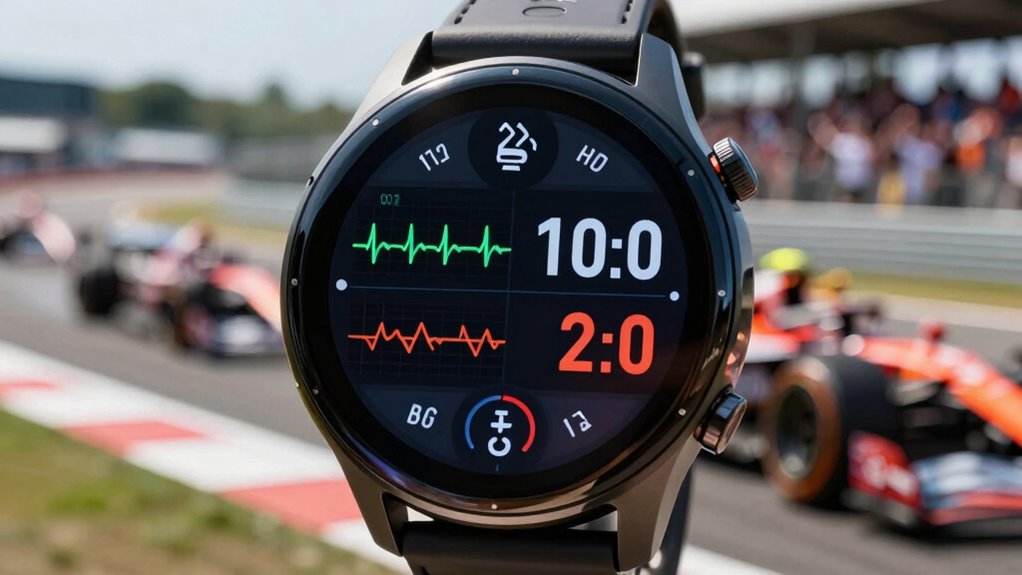

The best watch screen layout for races displays your current pace, heart rate, and elevation gain prominently. This setup lets you monitor your speed, manage your energy levels, and adjust your strategy on the fly. It’s essential to have lap times visible for immediate feedback and hydration reminders to keep your performance steady. By organizing your screen this way, you’ll stay focused and efficient throughout the race. Discover even more tips for optimizing your race-day setup!
Get ready for Prime Big Deal Days — try Prime free
Exclusive member deals on October 6–7, plus fast free delivery. Cancel anytime.
As an affiliate, we earn on qualifying purchases.
Key Takeaways
- Display current pace prominently to monitor speed and maintain race strategy effectively.
- Include heart rate data for managing effort and avoiding early burnout.
- Show elevation gain to adapt pacing based on terrain changes.
- Ensure accurate GPS readings for reliable distance tracking and strategy adjustments.
- Set hydration reminders to maintain energy levels throughout the race.
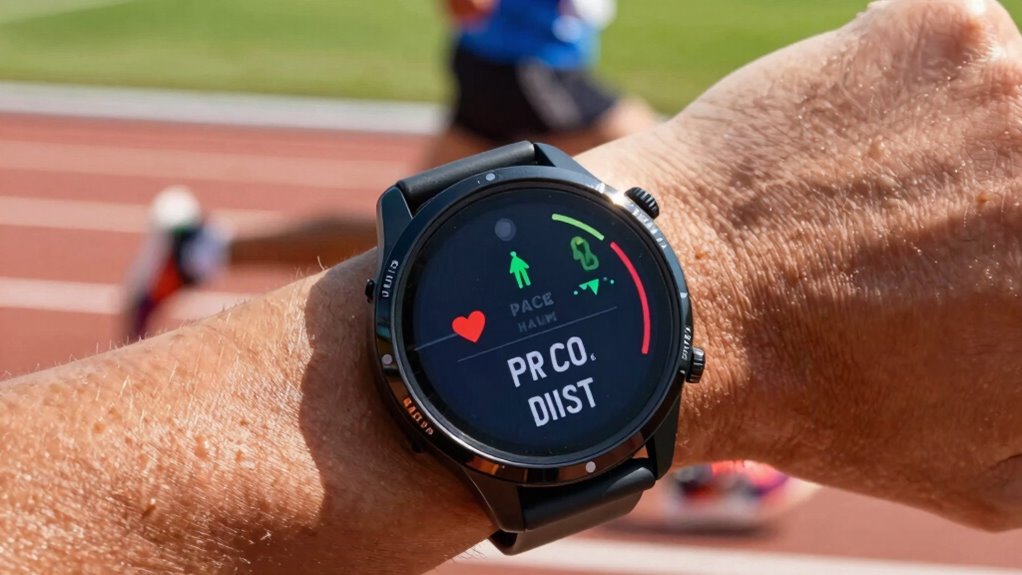
When you’re gearing up for a race, having the right watch screen layout can make all the difference. You want a setup that keeps you informed without overwhelming you. A well-thought-out layout will help you stay focused on your race strategy, allowing you to hit your targets without distraction. Here’s a simple yet effective watch screen layout that covers all the essentials.
First, prioritize pace tracking. Display your current pace prominently, as it’s vital for staying on target. This will help you gauge whether you’re maintaining your desired speed. Next, consider adding lap times to your screen. Lap times give you immediate feedback on your performance, allowing you to adjust your effort as needed. You can also set up your watch to display automatic lap splits, which can be invaluable during interval training sessions.
Heart rate monitoring is another key element. Make certain your heart rate display is easy to read at a glance. Keeping an eye on your heart rate helps you manage your effort level, guaranteeing you don’t burn out too early. Elevation gain is also worth tracking, especially if your race involves hills. Being aware of elevation changes can help you plan your pacing and energy usage. Utilizing accurate GPS calibration can further enhance your overall performance and reliability of data during the race. Additionally, understanding GPS calibration can help you optimize your watch’s accuracy for race day. Regularly updating your GPS data can also prevent discrepancies during your run. Incorporating real-time data analysis can further refine your pacing and strategy as you progress.
GPS accuracy is fundamental, too. Your watch should provide accurate distance readings, so you know exactly how far you’ve gone and how much is left. If your watch has a GPS feature, verify it’s calibrated correctly before the race. A well-calibrated watch can greatly enhance your overall experience and performance. Moreover, staying informed about GPS signal strength can help you troubleshoot potential issues during the race.
Don’t forget about hydration reminders. Staying hydrated is key to maintaining your energy levels. Set your watch to remind you to take water breaks at regular intervals. This simple feature can be a game-changer, especially during longer races.
Finally, remember to customize your layout based on your specific race needs. If you’re focusing on a particular aspect, such as pacing or heart rate, adjust your screen accordingly. You might find that having multiple screens to swipe through works better for you, allowing you to stay in control without cluttering your main display.
running watch with pace and heart rate display
As an affiliate, we earn on qualifying purchases.
As an affiliate, we earn on qualifying purchases.
Frequently Asked Questions
How Do I Customize My Watch Screen Layout for Different Race Types?
To customize your watch screen layout for different race types, start by selecting race-specific metrics that matter most to you, like heart rate, pace, or distance. Mix these with layout aesthetics that appeal to you, ensuring they’re easy to read at a glance. Experiment with different arrangements and colors until you find a setup that feels intuitive. Don’t forget to save your layouts for quick access during your races!
What Features Should I Prioritize for Ultra-Marathons?
For ultra-marathons, prioritize ultra marathon pacing and hydration alerts on your watch. You need real-time pace data to manage your energy throughout the race, so having that front and center is essential. Set hydration alerts to remind you to drink at regular intervals, helping to prevent fatigue and dehydration. Additionally, consider tracking your heart rate and elevation, which can provide valuable insights during those long stretches.
Can I Share My Watch Screen Layout With Others?
Absolutely, you can share your watch screen layout with others! It’s like swapping mixtapes in the ‘90s—everyone loves a good recommendation. When you customize your watch, focus on screen organization that suits your style and needs. Share screenshots or even a quick tutorial on how you set it up, so others can benefit from your experience. It’s a great way to connect and help fellow runners optimize their gear!
How Often Should I Update My Watch Screen Settings?
You should update your watch settings regularly, especially before big races. As you prepare, consider tweaking your display to match your training needs. If you try new workouts or gear, adjust your settings accordingly. It’s also wise to refresh your layout after each race to reflect what worked well and what didn’t. This way, you’re always optimizing your watch for peak performance and ensuring it meets your evolving racing strategies.
Are There Specific Brands That Offer Better Race Layouts?
Yes, certain brands do offer better race layouts. Garmin layouts are known for their customizability, while Suunto options provide clear metrics. Polar designs focus on heart rate accuracy, and Coros features are user-friendly during races. Apple interfaces shine with their intuitive navigation, and Fitbit configurations excel in simplicity. When choosing a watch, consider your preferences and race needs to find the best match for your performance goals.
Conclusion
In the heat of the race, your watch screen layout is your compass, guiding you through the storm. With the right setup, you transform chaos into clarity, turning every heartbeat into a strategic move. As you chase the finish line, that streamlined display becomes your trusted ally, whispering essential stats and keeping you in the zone. So, embrace the layout that speaks to you; it’s the wind beneath your wings, propelling you toward victory.
Fall yard work Picks
leaf blowers
As an affiliate, we earn on qualifying purchases.