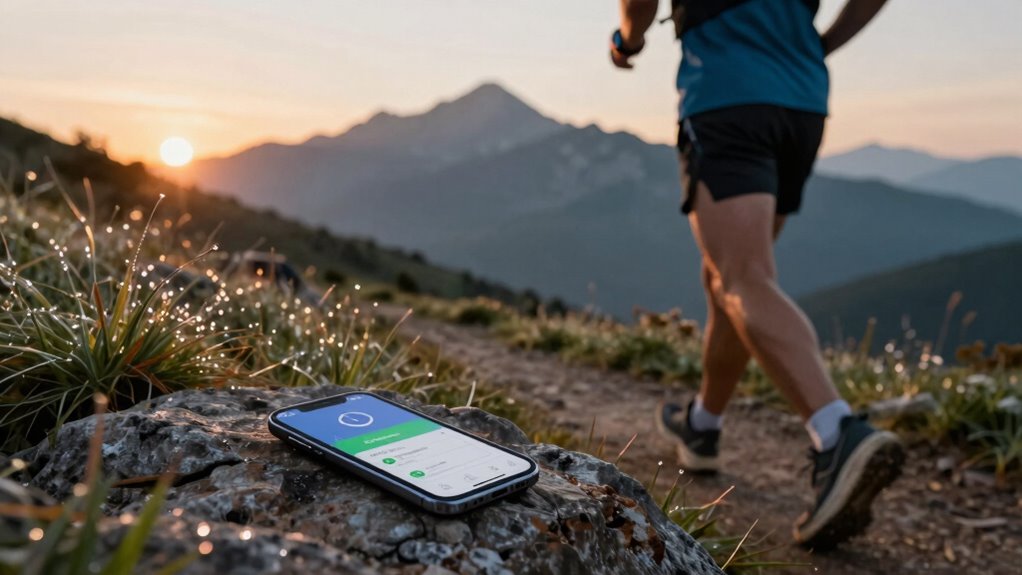

To save battery during long runs, activate power mode to limit background activity and use interval-based GPS tracking. Lower your screen brightness and close non-essential apps to reduce resource drain. Turn off Wi-Fi and Bluetooth in low-signal areas, and consider airplane mode while using GPS. These simple adjustments can greatly enhance your device’s performance and battery life. Keep exploring to discover even more tips for those extended runs!

Get workout gear delivered free with Prime
- Fast, free delivery on millions of items
- Prime Video, Amazon Music and more included
- Member-only deals all year
Key Takeaways
- Activate power mode to limit background activity and extend battery life during long runs.
- Use interval-based GPS tracking to conserve battery while maintaining accurate pace and route monitoring.
- Lower screen brightness or enable auto-brightness to reduce power consumption without sacrificing visibility.
- Close non-essential apps to minimize resource usage and prevent unnecessary battery drain while running.
- Disable Wi-Fi and Bluetooth in low-signal areas or enable airplane mode to optimize battery performance during your run.
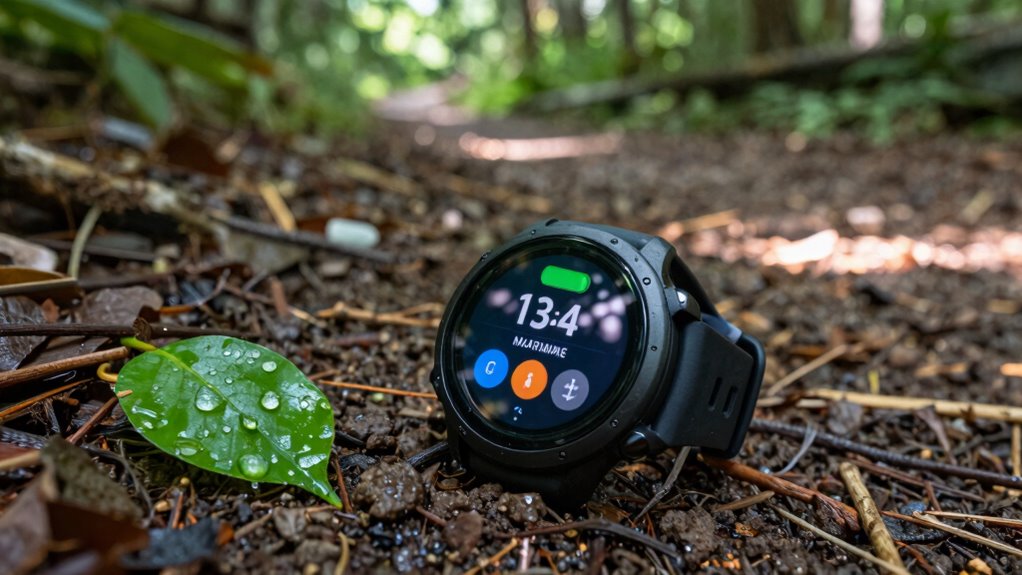
When you’re gearing up for a long run, conserving your device’s battery can be just as crucial as your hydration strategy. You don’t want your music or GPS cutting out halfway through your route, right? To keep your device running strong, you’ll need to tweak some settings before you hit the pavement. Start by activating the power mode on your device. This feature reduces background activity and limits performance, which can greatly extend your battery life. You won’t notice much difference in functionality during your run, but your battery will thank you.
Next, focus on GPS optimization. While you want accurate tracking of your route and pace, GPS can drain your battery quickly. If your app allows it, switch to an interval-based tracking mode instead of continuous tracking. This way, your device only checks your location at set intervals, and that’ll help save precious battery life. Additionally, some devices offer a “low power” GPS mode that can further extend your tracking time during long runs.
Focus on GPS optimization: switch to interval-based tracking to save battery while still accurately monitoring your route and pace.
Screen brightness is another important factor. Lowering your screen brightness can make a noticeable difference. During a run, you don’t need your screen blasting at full brightness, especially if you’re running during cooler times of the day. Consider setting it to auto-brightness, or manually adjust it down to a comfortable level before you start. This simple change can help you preserve battery without sacrificing visibility.
Effective app management is crucial as well. Before you head out, close any non-essential apps running in the background. Those apps may be using resources and draining your battery without you even realizing it. If you have music or tracking apps you’ll be using, keep those open, but make sure everything else is closed to maximize your device’s efficiency. Being mindful of app permissions and background activity can also prevent unnecessary battery drain.
Don’t forget about connectivity control. If you’re in an area with poor signal, your device will expend extra power trying to maintain a connection. It’s best to switch off Wi-Fi and Bluetooth unless you need them during your run. This will help reduce strain on your battery. Moreover, some devices allow you to enable airplane mode while still using GPS, which can be a useful battery-saving technique in low-signal areas.
Additionally, understanding the latest developments in AI and technology advances can help you optimize your device settings and extend battery life more effectively. Lastly, turning on notifications silence can prevent distractions and save battery life as well. With notifications off, your screen won’t light up every time you receive a message or alert, which can drain battery power and distract you from your run. By following these steps, you can enjoy your long run without worrying about your device running out of juice.
battery saver mode for smartphones
As an affiliate, we earn on qualifying purchases.
As an affiliate, we earn on qualifying purchases.
Frequently Asked Questions
How Do I Know if My Battery Is Healthy?
To know if your battery’s healthy, check the battery indicators in your device settings. These indicators provide valuable insights into your battery’s capacity and performance. Regularly monitor your battery health, and look for signs like rapid draining or overheating. If you notice any issues, consider recalibrating or replacing the battery. Keeping an eye on health monitoring tools will help guarantee your device runs smoothly and efficiently over time.
Can I Use My Phone While Saving Battery?
Yes, you can use your phone while saving battery. By enabling battery optimization, you can extend your phone’s life during activities like running. Make sure to close unnecessary apps and limit background processes. When using running apps, adjust their settings to minimize GPS usage or screen brightness. This way, you balance performance and battery conservation, ensuring your phone lasts throughout your run without sacrificing essential features.
What Apps Drain the Battery the Most During Runs?
When you’re on the run, your phone can feel like a leaky bucket, draining battery faster than you can say “sprint.” GPS tracking apps, music streaming services, and fitness apps are notorious for guzzling power. The constant updates and data usage, combined with high screen brightness, create a perfect storm for battery drain. To keep your phone alive, consider limiting these apps or adjusting settings before you lace up your shoes.
How Often Should I Charge My Phone for Optimal Battery Life?
You should aim to charge your phone when it drops to about 20-30% for best charging. Frequent top-ups help maintain battery health, so don’t wait until it’s nearly dead. Charging it regularly guarantees you avoid deep discharges that can shorten battery life. Ideally, try to charge it once a day if you’re using it heavily, especially during runs, to keep it in good shape for your next adventure.
Is It Safe to Run With a Low Battery Phone?
It’s not ideal to run with a low battery phone, especially for safety reasons. If your phone’s battery is low, you risk losing access to navigation, emergency contacts, or safety apps. It’s best to charge your phone before heading out. Additionally, consider carrying a portable charger for peace of mind. Staying connected enhances your safety while you’re out running, so don’t take unnecessary chances with battery safety.
Conclusion
In the end, think of your device as a marathon runner. Just like pacing yourself guarantees you reach the finish line, tweaking those battery-saving settings helps your gadget go the distance. For instance, reducing screen brightness can extend battery life by up to 30%. So, before your next long run, remember to equip your tech with the right tools. A little preparation can turn a sprint into a steady jog, keeping you powered up all day long.
Halloween Picks
halloween
As an affiliate, we earn on qualifying purchases.