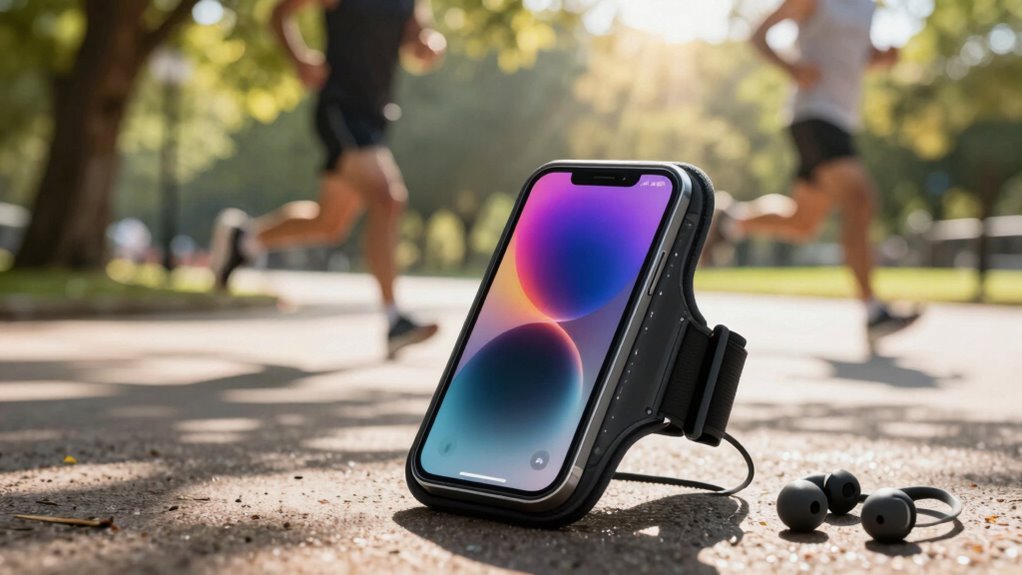

For phone-free runs, effective music storage is key to keeping you motivated. Consider using Bluetooth headphones with built-in storage that lets you upload your favorite tracks directly. You can also opt for dedicated devices like MP3 players or smartwatches that allow music downloads without phone dependency. Be certain to curate playlists tailored to your pace and run length. This setup not only enhances your experience but also guarantees uninterrupted enjoyment throughout your workout. There’s more to explore on perfecting your playlist!

Get workout gear delivered free with Prime
- Fast, free delivery on millions of items
- Prime Video, Amazon Music and more included
- Member-only deals all year
Key Takeaways
- Use Bluetooth headphones with built-in storage to eliminate phone dependency during runs.
- Opt for dedicated portable devices like MP3 players or smartwatches for music access.
- Pre-download playlists and songs to ensure music availability without internet access.
- Organize music files with management software for efficient playlist creation.
- Consider storage capacity to accommodate diverse music choices for longer training sessions.

When you’re hitting the pavement for a run, the last thing you want is to be tethered to your phone. Thankfully, with the rise of Bluetooth headphones and portable devices, you can break free from those cords and enjoy your favorite tunes without the extra weight. But that brings up an important question: how do you store your music for those phone-free runs?
When running, cut the cords and enjoy your music freely with Bluetooth headphones and portable devices.
You’ve probably noticed that most streaming services offer a plethora of music playlists, but relying on them while running isn’t always feasible. Imagine getting halfway through your workout and realizing you’ve lost your signal or your battery’s drained. That’s why it’s essential to have a solid plan for music storage that doesn’t rely on your phone. Many Bluetooth headphones now come with built-in storage, allowing you to upload your favorite tracks directly. This means you can create playlists tailored to your running rhythm without needing your phone nearby.
If you’re using a dedicated portable device, like an MP3 player or a smartwatch, you’ve got a few options. Make sure to check if your device supports your preferred streaming service. Some devices allow you to download music playlists directly from these services, which is a game changer. Just download your favorite songs or playlists before your run, and you’re all set to go.
You can also consider using music management software to organize your files. It helps you create your playlists in advance, ensuring you have just the right mix for those challenging miles. Keep in mind that not all portable devices support all file formats, so it’s smart to double-check compatibility before you start uploading your music library. Properly managing your music files can save you time and frustration on the day of your run. Additionally, being aware of file format compatibility ensures a smooth transfer process and uninterrupted playback during your workout.
Furthermore, investing in storage capacity for your devices can make a significant difference, especially if you prefer longer or more varied playlists. Additionally, think about the length of your runs when creating these playlists. If you’re training for a marathon, having a longer selection can keep you motivated throughout the entire distance. Consider integrating a mix of upbeat tracks and slower tempos to help you maintain a steady pace.
Ultimately, the key to enjoying music during your runs is preparation. By investing in quality Bluetooth headphones and a reliable portable device, you can curate an excellent music experience tailored just for your needs. So, gear up, create those playlists, and hit the road without the burden of your phone. Incorporating music storage solutions into your routine can ensure seamless playback and motivate you to push further. You’ll find that running with your favorite music can elevate your performance and make the miles fly by.
Bluetooth headphones with built-in storage
As an affiliate, we earn on qualifying purchases.
As an affiliate, we earn on qualifying purchases.
Frequently Asked Questions
Can I Use My Smartwatch for Music Storage Instead of My Phone?
Yes, you can use your smartwatch for music storage instead of your phone, but keep in mind the smartwatch limitations. Most smartwatches have limited storage capacity, which might restrict the number of songs you can carry. However, having music on your wrist can boost your workout motivation, making your runs more enjoyable. Just verify your smartwatch supports music playback and is synced with your favorite streaming service for the best experience.
What Music Formats Are Compatible With Offline Storage Devices?
When you’re considering music formats for offline storage devices, focus on popular audio file types like MP3, AAC, and WAV. These formats balance quality and file size, fitting nicely within your storage capacity options. If you’ve got limited space, MP3 is a solid choice, while WAV offers higher quality if you can spare the room. Always check your device’s specifications to verify compatibility before transferring your music.
How Much Storage Do I Need for a Marathon Playlist?
For a marathon playlist, you’ll want about 3 to 5 hours of music, which is roughly 60 to 100 songs. Did you know that an average song is around 3 to 4 minutes long? Depending on the audio format, you might need 1 to 2 GB of storage for a quality playlist. Consider using compact storage solutions like flash drives or dedicated MP3 players to keep your run focused and enjoyable!
Are There Any Subscription Services That Support Offline Music Downloads?
Yes, several streaming services offer offline access through their subscription plans. Spotify, Apple Music, and Amazon Music Unlimited allow you to download tracks from their vast music libraries for offline listening. Just make sure you’ve downloaded your playlists or albums before heading out. This way, you can enjoy your favorite tunes without needing your phone, keeping your run light and focused. Happy running!
Can I Sync Playlists From Multiple Devices for Phone-Free Runs?
Syncing playlists from multiple devices for phone-free runs is like piecing together a puzzle—each device adds its unique touch. Most music services allow playlist management across devices, ensuring you’ve got your favorite tracks ready to go. Just make sure your devices are compatible with the service you’re using. Once you set it up, you can easily enjoy your curated playlists without needing your phone.
Conclusion
As you lace up your shoes and step into the rhythm of your run, imagine the freedom of a phone-free journey, with your favorite tunes echoing in your ears. Choosing the right music storage means embracing that liberation, letting melodies fuel your every stride. Whether it’s a smartwatch or a dedicated music player, you hold the key to accessing a world of sound, making each run a vibrant symphony of sweat and determination. So, gear up and let the music guide you!
Halloween Picks
halloween
As an affiliate, we earn on qualifying purchases.